A branded checkout page, hosted for you
Build a payment page in the visual checkout builder, share it with customers, or embed Atlas checkout in your own site. Card data goes to Troute, not your servers.
Design
Build it visually, see it live
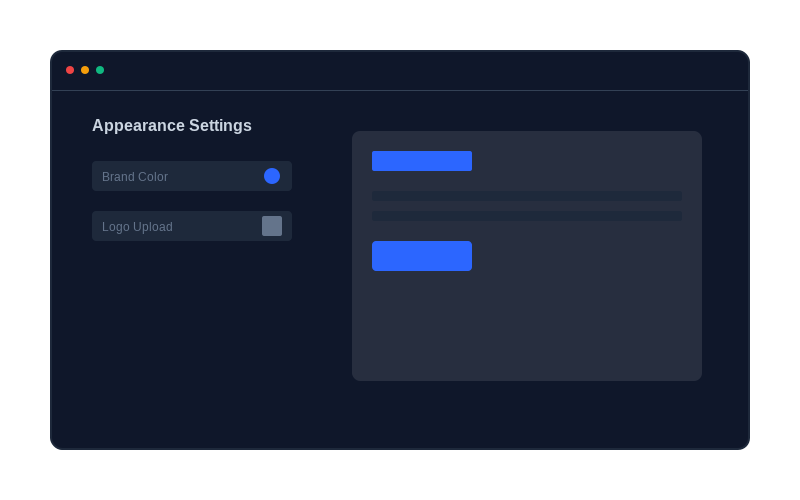
The checkout builder shows a live preview as you change the page, so what you publish is what customers see.
- Your logo, colors, fonts, backgrounds, and button styles
- Light and dark themes
- Your own payment-button text and confirmation message
- Product images and an itemized order summary
What customers pay for
One product, several, or a set amount
Sell a single product, several products from your catalog, or collect a specified amount. Customers can redeem coupon codes, including more than one when you allow it.
- Single-product, multi-product, or fixed-amount checkout
- Coupon codes, with multiple coupons when enabled
- Tax, discounts, shipping, tips, and service fees where configured
- Choose whether to collect email, phone, and billing address
Payment methods
Cards, plus Apple Pay and ACH where eligible
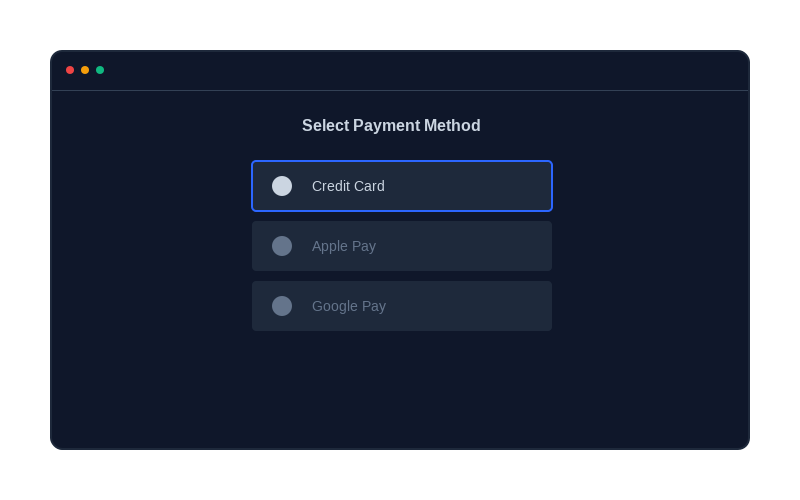
Customers pay by credit or debit card. Eligible accounts can also offer Apple Pay and ACH/eCheck from U.S. checking accounts. Returning customers can pay with a saved payment method.
- Credit and debit cards
- Apple Pay and ACH/eCheck for eligible accounts
- Optional saving of payment details for future purchases
- Returning-customer checkout with saved payment methods
For developers
Confirm payment before you fulfill
Create embedded or hosted checkouts from your server, then check the checkout's status before shipping or granting access. A browser event alone is not proof of payment.
- Embedded Atlas checkout inside your own page
- Works with your site's own order button and checkout flow
- Checkout-status lookup to confirm a payment
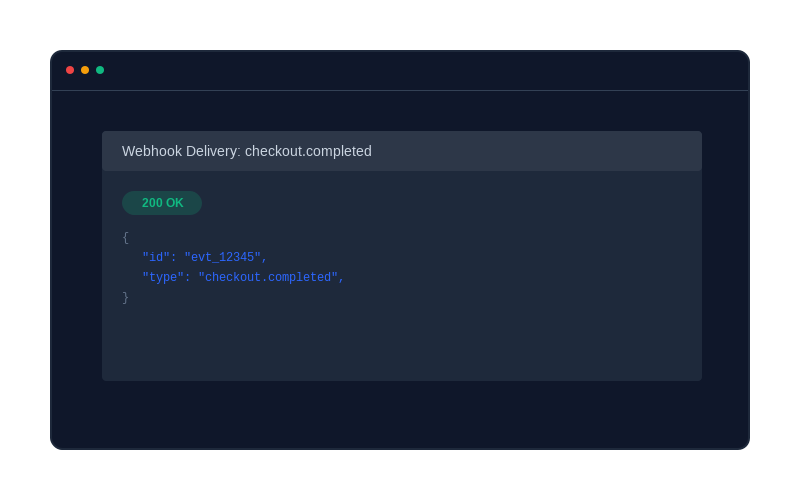
- Signed webhooks for charges, refunds, and invoices
From builder to paid order
Use the builder with no code, or create checkouts through the API.
Build the page
Pick products or an amount, set your branding, and choose which customer details to collect.
Add your terms
Show your terms and conditions, and require acceptance or a customer signature if you need one.
Share or embed
Send customers the page link, or embed Atlas checkout in your site with a server-issued checkout token.
Get paid
The customer gets a receipt, and the payment appears in your transaction history.
Frequently asked questions
Do I need a website to use Hosted Checkout?
No. Build a payment page in the Troute portal and share its link with customers. If you do have a website, you can embed Atlas checkout in it instead.
Which payment methods can customers use?
Credit and debit cards on every account. Eligible accounts can also offer Apple Pay and ACH/eCheck from U.S. checking accounts, and returning customers can pay with a saved payment method.
Does card data touch my servers?
No. Customers enter card details into the Troute-hosted page or embedded Atlas checkout. Your server only creates the checkout and receives a token or URL; your transaction key never goes to the browser.
How do I know a checkout was paid?
Look up the checkout's status through the API before you fulfill the order, or subscribe to signed webhooks. A browser event on its own is not proof of payment.